
TL;DR
Grok found the dead links. Cursor patched the posts that needed it.
The WordPress migration got the archive into Markdown. The CMS post is how I write a new article. Neither of those passes fixed fifteen years of outbound links.
Some of those links pointed at software that no longer exists. Some pointed at domains that got hijacked. I did not want to click every href by hand, and I did not want a rewrite of the whole journal. I wanted an audit, then a patch list I could run against the repo.
That is what I did with Grok Bot, then with Cursor Agent. This post is about that loop.
Ask for a review, not a rewrite
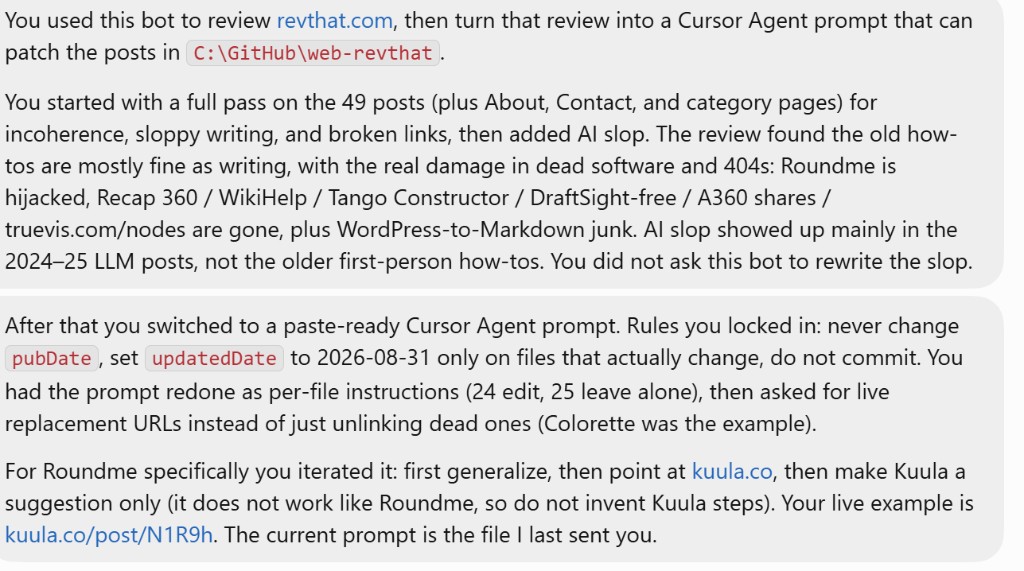
I told Grok to do a full pass on the live site: 49 posts, plus About, Contact, and the category pages. The files live in this Astro repo under src/content/posts/. I asked it to look for incoherence, sloppy writing, broken links, and generic LLM filler.
I did not ask it to rewrite the articles in that first pass. A rewrite prompt on a how-to from 2012 is how you lose the original screenshots and the voice. I wanted a list of what was wrong.
What came back matched what I already half-knew:
- The older first-person how-tos are mostly fine. The sentences are short. The screenshots are still the point.
- The real damage is dead software. Roundme’s domain is hijacked. Recap 360 is gone. Autodesk WikiHelp does not resolve. Google Project Tango and Constructor are gone. DraftSight is not a free CAD app anymore. A360 share links return unauthorized. The old per-node catalog at
truevis.com/nodes404s. - The WordPress-to-Markdown conversion left junk: missing spaces after bold markers, leftover HTML, a few typos that were always there (
seachable,explained my my post). - The 2024–25 LLM posts are where the filler showed up. The older journal does not read like that. I still did not ask Grok to rewrite those. That is a different job.
Turn the review into a per-file Cursor prompt
A chat transcript is not something I can paste into Cursor and trust. Grok’s first dump was useful as a diagnosis. The next step was a paste-ready agent prompt: one section per Markdown file, either Edit with the replacement URL, or No edits.
I iterated that prompt in Grok until the rules were boring:
- Never change
pubDate. The article is still from 2012, or 2018, or whenever I wrote it. - On files that actually change, set
updatedDate: 2026-08-31. Leave it off files the agent must not touch. - Do not commit. I wanted a diff I could read.
- Do not unlink a dead URL and walk away if a live official page exists. Find the replacement. The Colorette post was the example: the old AutoHotkey
/forum/thread is gone, the script is on GitHub, the current boards still have a thread. - 24 files to edit. 25 to leave alone. The “leave alone” list is as important as the edit list. Without it, an agent will “improve” a post that does not need it.
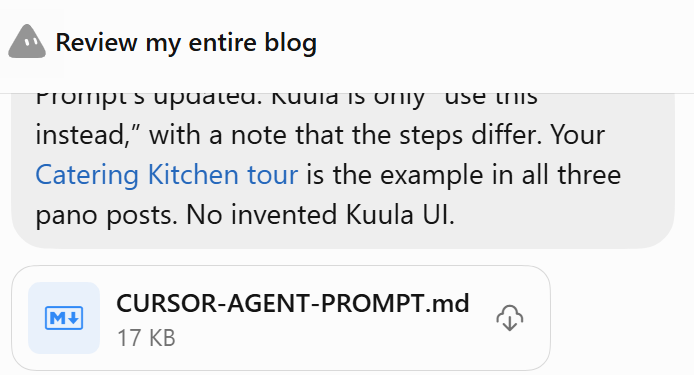
Roundme took three passes. First the prompt treated it like any other dead host. Then it pointed at Kuula. Then I locked the wording: Kuula is a suggestion only. It does not work the same as Roundme. Do not rewrite the 2018 click-path as invented Kuula UI. Keep the capture and export how-to. Caption the old Roundme screenshots as historical. Use my live example, not a made-up tour: kuula.co/post/N1R9h (the Catering Kitchen tour). Zero roundme.com hrefs when done.
Grok wrote that into CURSOR-AGENT-PROMPT.md. I kept a copy in the repo under notes/ so I can paste it again.
The global rules in that file, shortened:
- **Never change `pubDate`.** Never flip `draft`. Leave `hero` and `categories` unless a file section says otherwise.
- On every file you modify, set `updatedDate: 2026-08-31`.
- Keep the historical how-to and screenshots. Dead software: one present-tense sentence at first mention, then the replacement link. Unlink the dead URL.
- Roundme: domain is hijacked. Zero roundme.com hrefs. Suggest Kuula. Do not invent a Kuula click-path.
Each Edit section named the old href and the new one, checked the same day. If that new URL 404ed when the agent fetched it, it could search once for a live official page. It was not allowed to leave a known-dead href.
Paste it into Cursor Agent
I opened this repo in Cursor, pasted the prompt, and let the agent work. It ran for 4 minutes 34 seconds. It applied every Edit section. It left the No edits files matching git HEAD. It reported rg -i 'roundme\.com' src/content/posts empty. The three pano posts point at Kuula and that same Catering Kitchen URL. pubDate and draft were left alone. Every modified file got updatedDate: 2026-08-31.
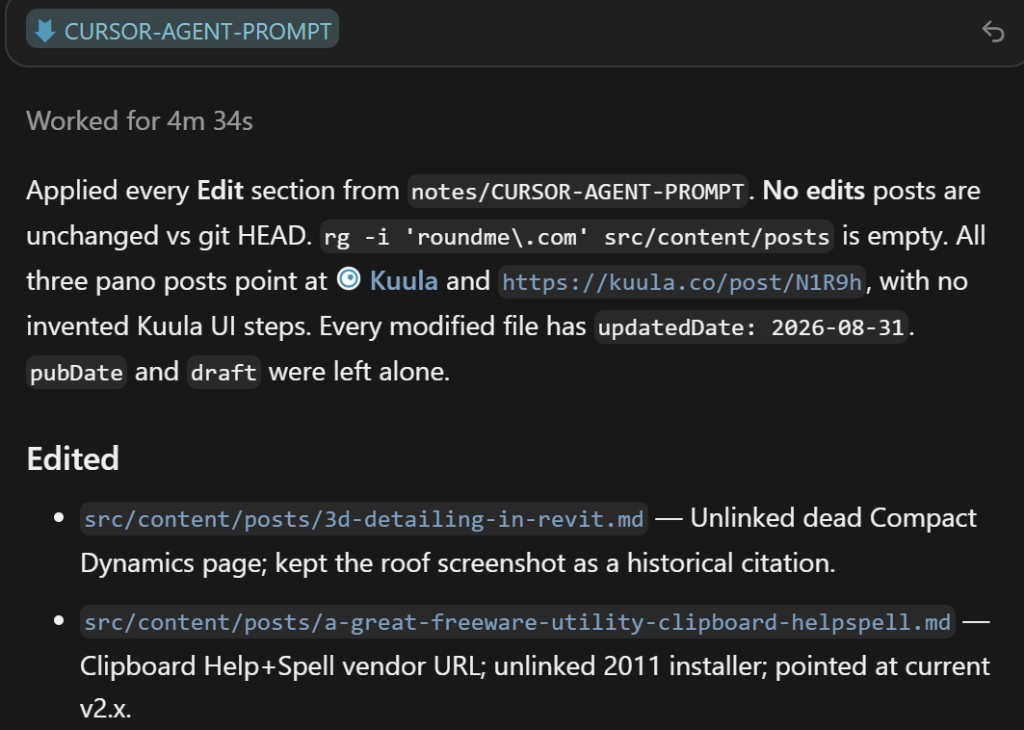
I did not take the report on faith. I opened a few of the 24 files.
DWG Software no longer sends people to Brava or to a free DraftSight download. Brava was discontinued in 2022. DraftSight’s free version ended in 2019; the current draftsight.com page is paid, with a trial. TrueView and Design Review point at current Autodesk URLs.
How to Publish a Pano Tour with Enscape Renderings still walks through Enscape capture. Roundme is a present-tense sentence, then historical screenshots. The example tour is the Kuula link, not a dead Roundme URL. The same treatment is on the other two pano posts.
Search for Dynamo Nodes from a Website no longer promises a live 2000-node catalog. truevis.com/nodes is gone. The replacement is honest: dynamopackages.com and Dynamo’s in-app Package Manager, which are packages, not that old per-node WordPress site.
Where there was no 1:1 replacement, the agent unlinked and said so. Compact Dynamics, the 2013 WikiHelp sample project, the A360 shares, the old Google Drive mesh zip: those are historical citations with screenshots, not fake new URLs.
Why split Grok and Cursor
Grok is a good place to argue about the prompt. I changed the Roundme rule three times in chat. Nothing in src/content/posts/ moved until I was willing to live with the wording.
Cursor is a good place to apply a prompt to 24 files against src/content.config.ts, with rg as the done check. Four and a half minutes is faster than I would have been, and slower than a reckless “fix the blog” prompt that rewrites voice.
The split also matches how this site is supposed to work. /create_article (this page) writes a draft in the repo. /publish-cms is how local commits land on GitHub without merge bubbles. The audit prompt is a third skill-shaped artifact: not a slash command yet, just a markdown file I can paste. That is enough.