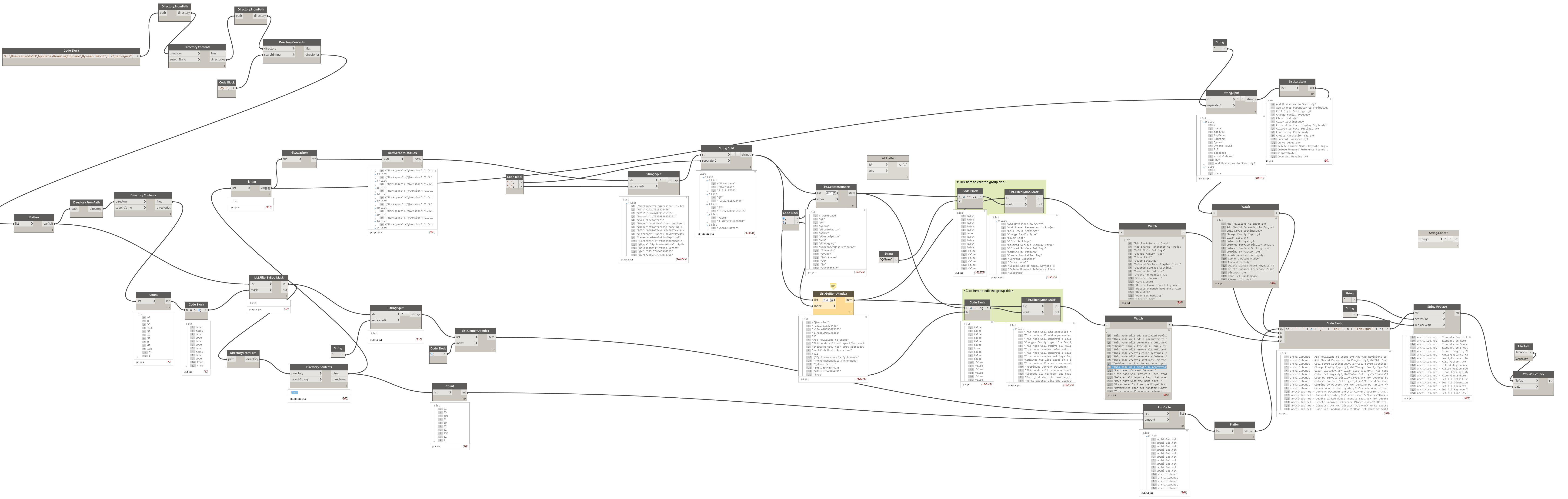
For the Beyond AEC Hackathon, I made a WordPress site with a post for each Dynamo node I had installed on my PC. That catalog is no longer online. The Beyond AEC site is gone too. It only had nodes from my packages’ DYF folder. Nodes and their package names were hard to find with the usual search. The site had an internal search engine, and would have a Google custom search when it got scanned.
That catalog was custom per-node pages, not the Package Manager. To find nodes and packages now, use dynamopackages.com and Dynamo’s in-app Package Manager. That is packages, not the old per-node WordPress catalog.
One problem that Dynamo programmers can have is that if we download a DYN from the Internet, graphs may have nodes that do not correspond with one’s loaded packages.
Searching the old site may have helped one to find where nodes came from.
How It’s Made
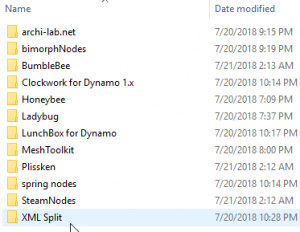
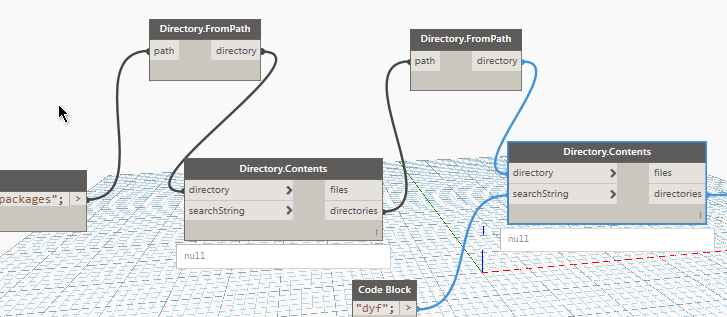
With Dynamo I read the packages folder contents
and parse out the require info from the node’s XML
The data are written to a CSV
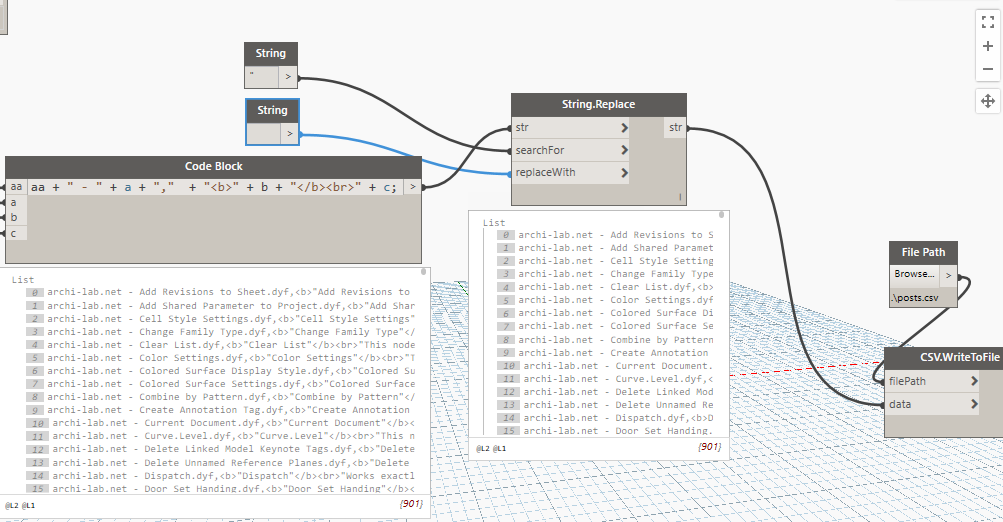
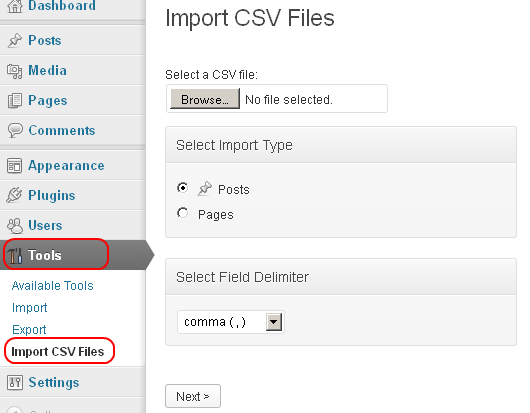
and imported as posts in the site with the plugin Import CSV Files
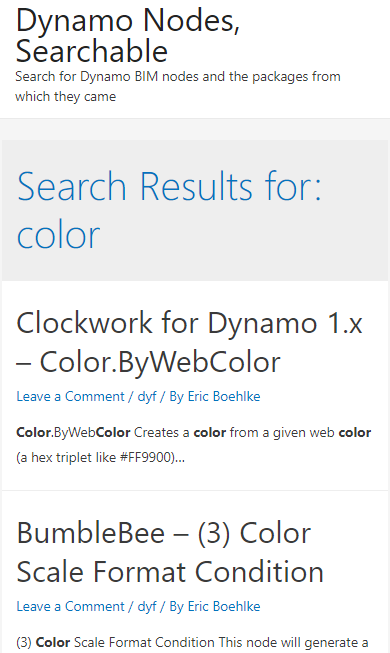
Words can be searched to find related nodes
Whole graph: