Category: How-to
-
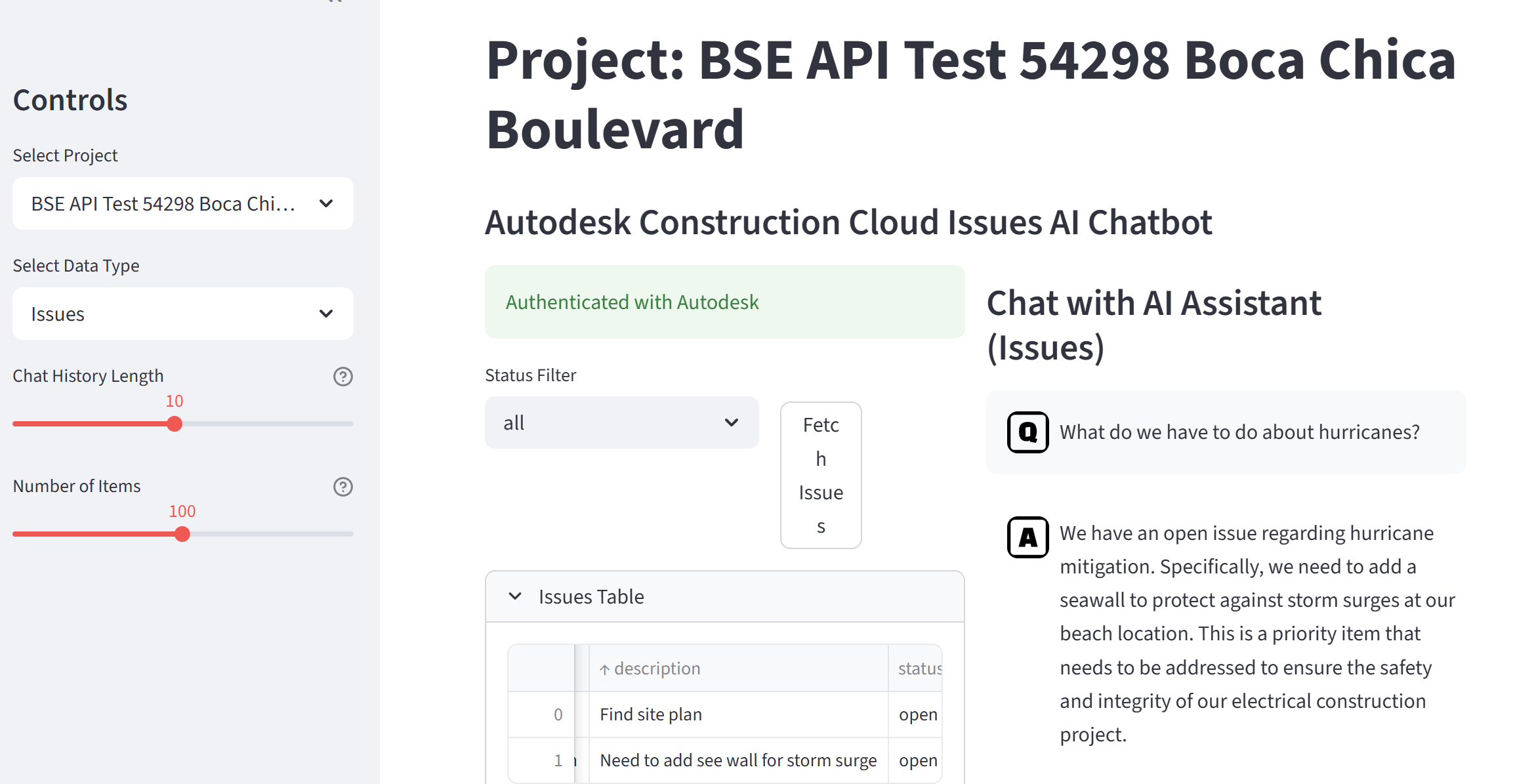
Connecting a Streamlit App to Autodesk Construction Cloud
This guide explains how our Streamlit app logs into Autodesk and pulls real project data — like issues, RFIs, and submittals — from Autodesk Construction Cloud (ACC). It is written for people who are new to Python or are vibe-coding their way through a project. You do not need deep Python experience to follow along.…
-

When Autodesk API Auth Fails
The author encountered issues with his app’s authorization for Autodesk Construction Cloud due to system changes from Autodesk. After researching with AI tools, he discovered Autodesk’s transition to a hub system. He created a new hub, migrated their apps, and found that the apps functioned correctly without needing code changes post-migration.
-
Using QA Pairs for Recursive Chatbot Performance Improvement
A practical QA loop for retrieval-augmented LLM chatbots: generate QA pairs that mirror production, judge answers and keyword extraction with a separate model, track scores and failure modes, then use the results to refine prompts, retrieval, and even model choice in a repeatable, data-driven way.
-
Your Personal UX Critic: Using Gemini LLM to Roast Your App Demos
Recording software demos is a special kind of torture. You stumble over your words, the mouse cursor disappears, and you’re never quite sure if you’re focusing on the features that actually matter to the user. Usually, getting feedback means pestering a coworker, your neighbor at coworking, or paying a consultant. But there’s a better way.…
-

Deploying a Streamlit App on Your VPS (with Cloudflare for the Subdomain)
So you’ve coded a Streamlit project, pushed it to GitHub, and rented a cheap VPS. Here is how to turn that server into a public-facing web app — no prior Docker or sysadmin chops required. 1. Prep the VPS (Ubuntu) 2. Clone Your GitHub Repo 2 a. Create a Personal Access Token 2 b. Clone…
-

Keyword and Semantic Search with Contextual Reranking for Enhanced LLM Queries
A Novel Approach to Combined Keyword and Semantic Search with Contextual Reranking for Enhanced LLM Queries By Eric Boehlke – truevis.com AbstractIn the era of large language models (LLMs), efficient and accurate information retrieval is crucial. This paper introduces a novel hybrid approach that integrates keyword extraction, text-based search, semantic vector search, and reranking. By…
-

Optimizing Vector Storage: Moving from Pinecone to SQLite for Static LLM Applications
Learn how to implement vector similarity search using SQLite instead of Pinecone, cutting infrastructure costs while maintaining performance for static LLM applications. A practical guide with code examples and cost comparisons.
-
Using a Prompt File with Cursor Streamlit
In Cursor’s Composer you can point to an MD file as a prompt instead of typing it. Just use “@” Composer Prompt Prompt File Results Before After See also https://discuss.streamlit.io/t/lets-make-a-prompt-library-for-cursor-streamlit/79937
-

Create and Publish an Interactive Web App Using Cursor and Streamlit
Create and Publish an Interactive Web App Using Cursor and Streamlit
-

Programming with Bing Chat AI as Helper
Bing AI Chat is an amazing a programming coach. I can give it some code or info plus what I want to do with it and it will write new code for me. Python works really well. Using Bing Chat Here are some snippets of a Type Catalog generator tool that I developed for my…


