-
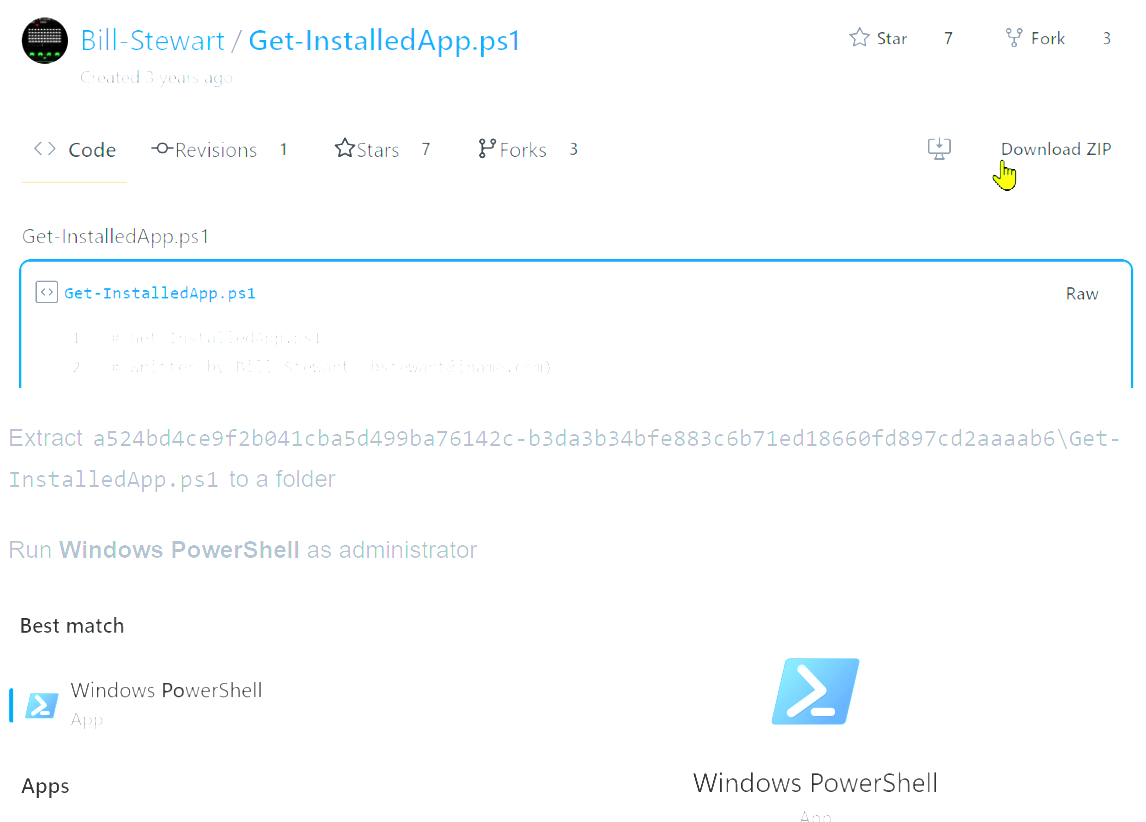
How to Get a List of Installed Apps in Windows
Download ZIP from https://gist.github.com/Bill-Stewart/a524bd4ce9f2b041cba5d499ba76142c#file-get-installedapp-ps1 Extract a524bd4ce9f2b041cba5d499ba76142c-b3da3b34bfe883c6b71ed18660fd897cd2aaaab6\Get-InstalledApp.ps1 to a folder Run Windows PowerShell as administrator CD to the folder that the PSI file was extracted to Change execution policy Run Set-ExecutionPolicy then Bypass then Y Info about that command at https://learn.microsoft.com/en-us/powershell/module/microsoft.powershell.core/about/about_execution_policies?view=powershell-7.3…
-
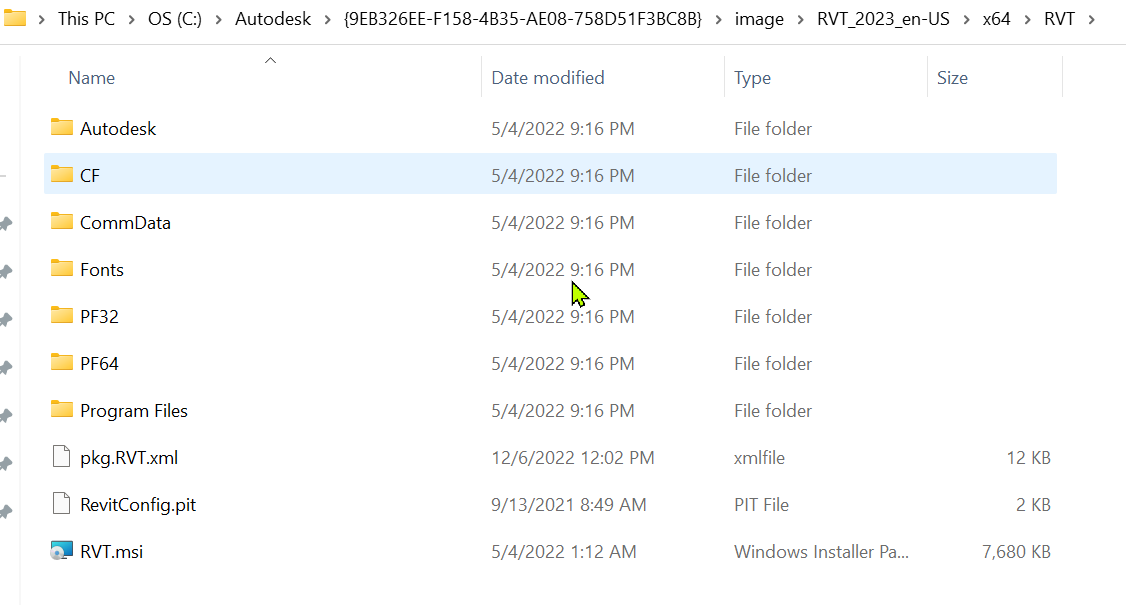
Upgrading to Revit 2023.1.1 Update
A way to find the elusive RVT.msi from old install files when running Revit 2023.1.1 Update
-
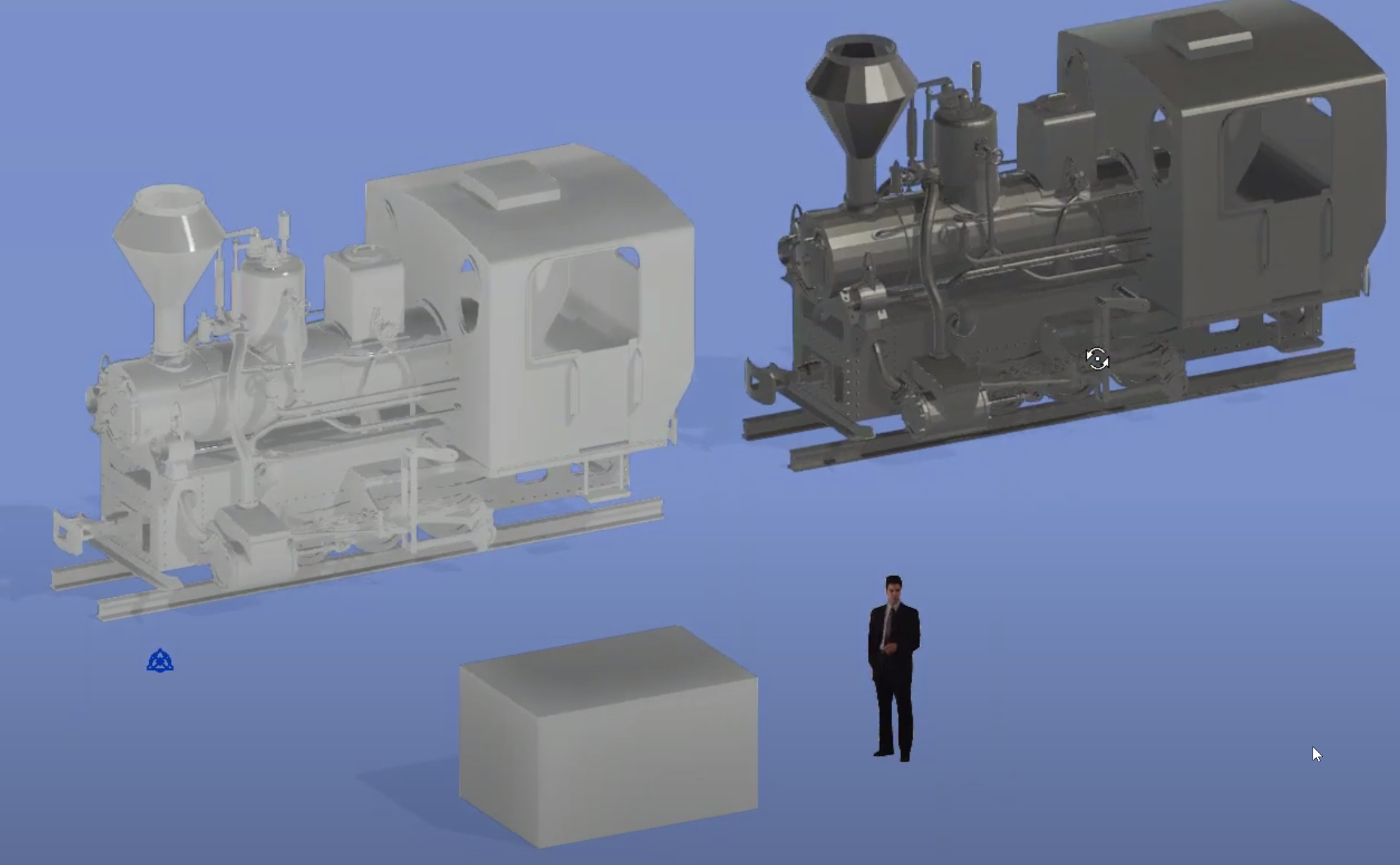
Comparing OBJ Import Revit 2022 Addin vs Native Import
In this video, I compare my $50 Mesh Import from OBJ files for Revit addin to the native OBJ importer that was new in Revit 2022. It seems to me that my addin is better because one can apply a…
-
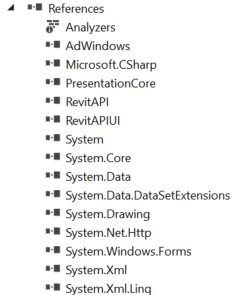
Upgrading Revit API Apps For Newer Revit Versions
Every version of a Revit API app must reference some DLLs that come with Revit’s releases. Open the .sln of your API code. In Visual Studio’s Solution Explorer, see Properties. One can see what Revit version an app was written…
-
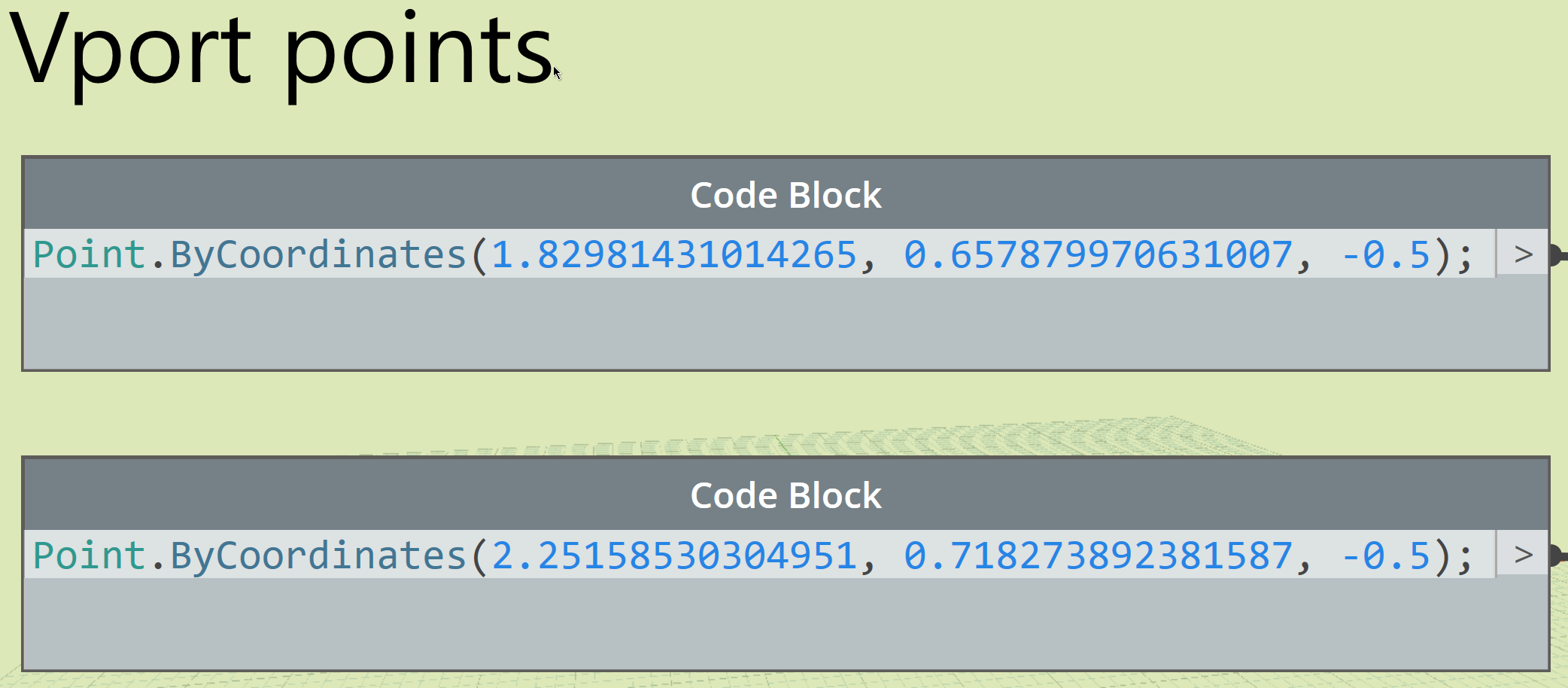
How to get coordinates of View, then use them for placing other Views in Dynamo
Revit lookup trick for Dynamo
-
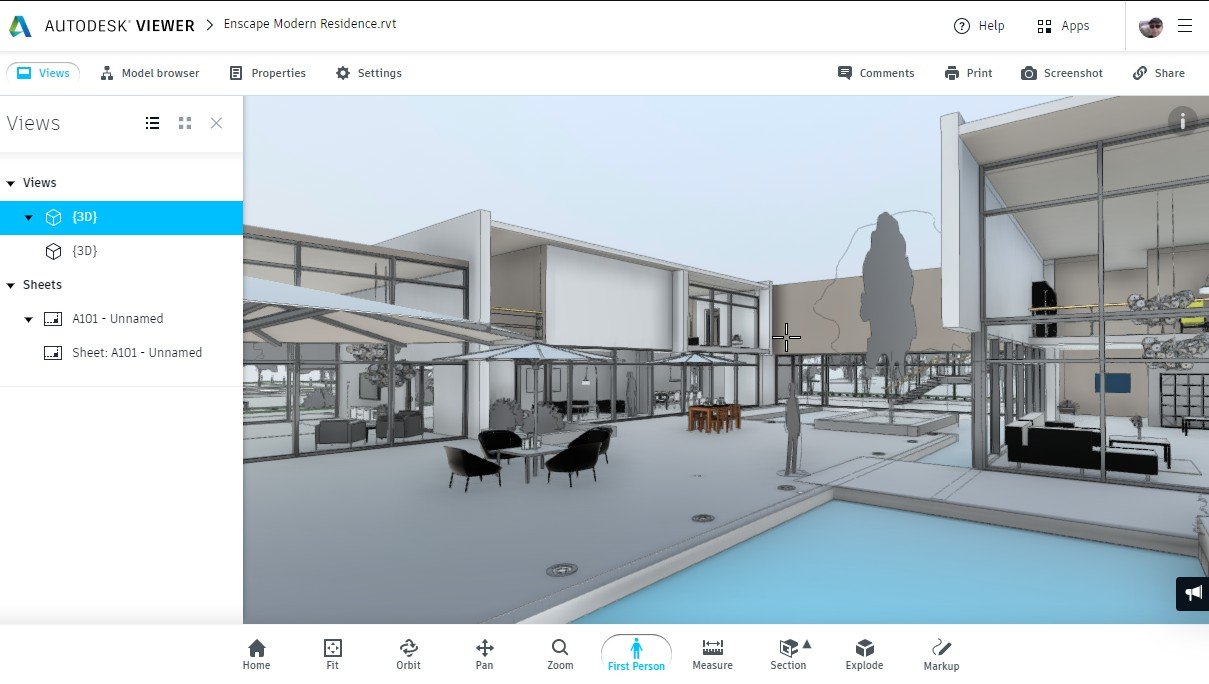
Using Autodesk Viewer for a Revit Project
Explore using Autodesk Viewer for Revit files
-
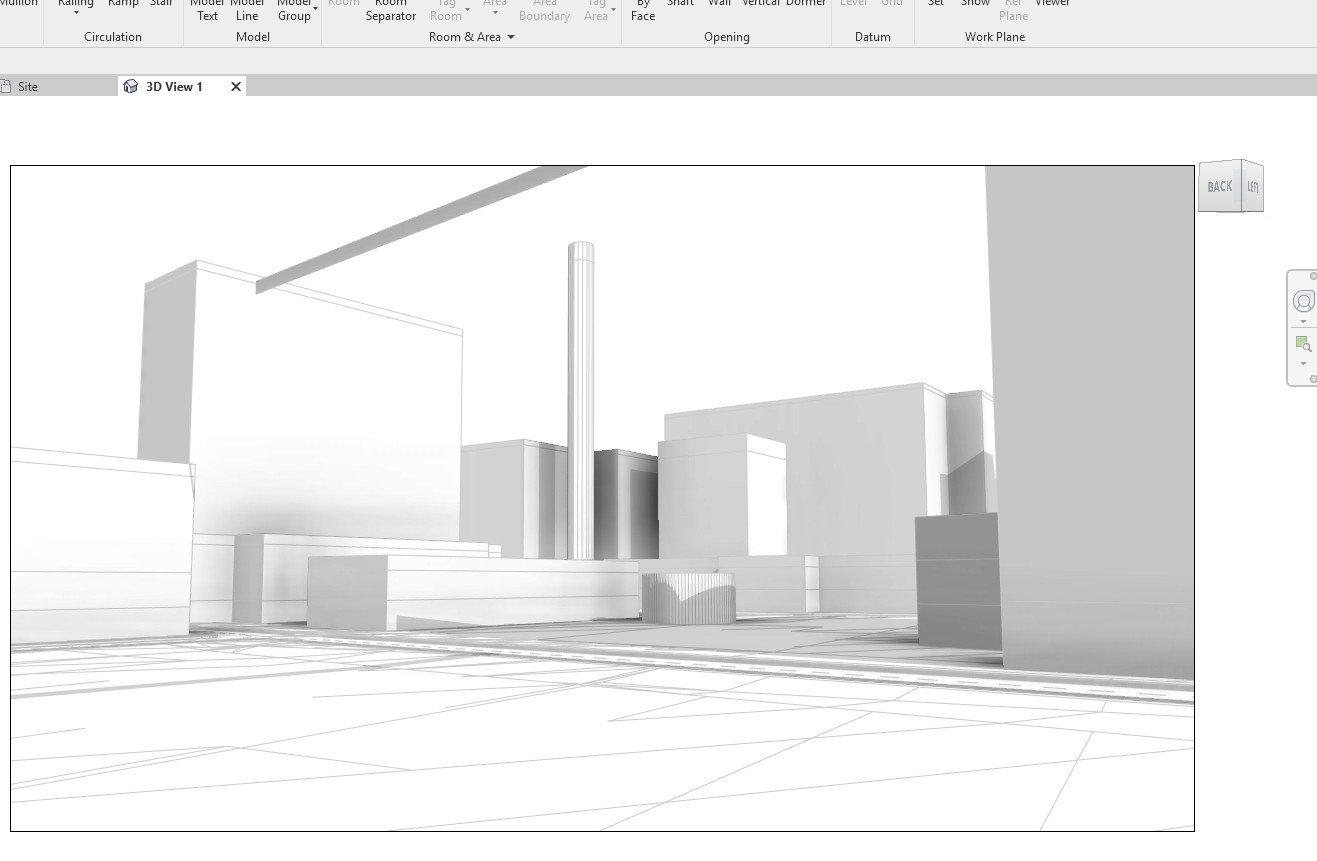
Getting Revit Background Building Massing From InfraWorks
In InfraWorks Click Model Builder Give address and zoom/pan to area of interest BIM 360 folders??? I don’t know if this is required. But I selected one. Create Wait… When you get the email notification, Double-click the new project’s…
-
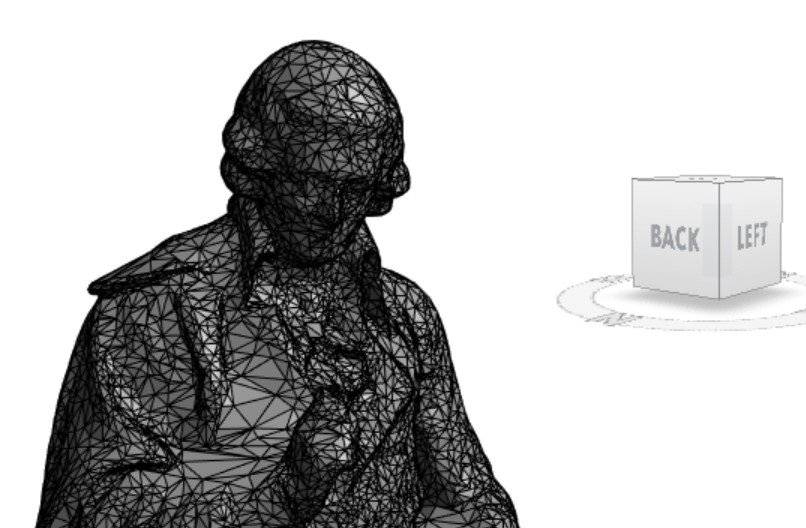
Updating Origin of Meshes with MeshLab
A customer had trouble importing some meshes to Revit with my Mesh Import app. The problem was that the origins of those meshes were far from their centers. I fixed them with Meshlab. I got the method to fix them…
-
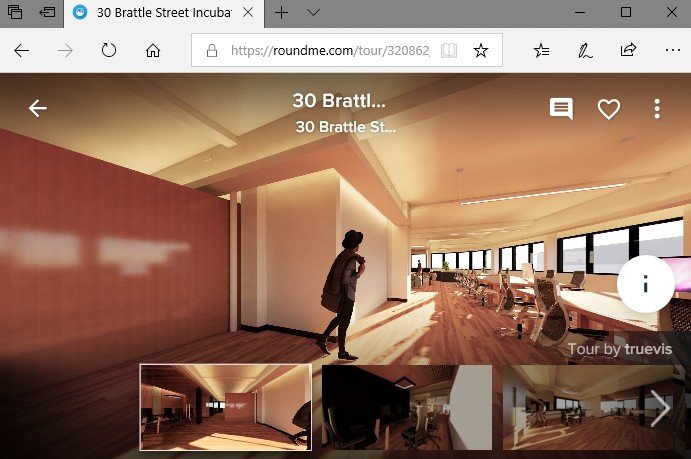
How to Publish a Pano Tour with Enscape Renderings
There are two easy ways of making rendered pano tours out of Revit. One is to use Autodesk’s cloud rendering service. That method is explained my my post at https://revthat.com/how-to-make-a-pano-tour-from-revit . Another way is to use Enscape. Enscape is a real-time game…
-
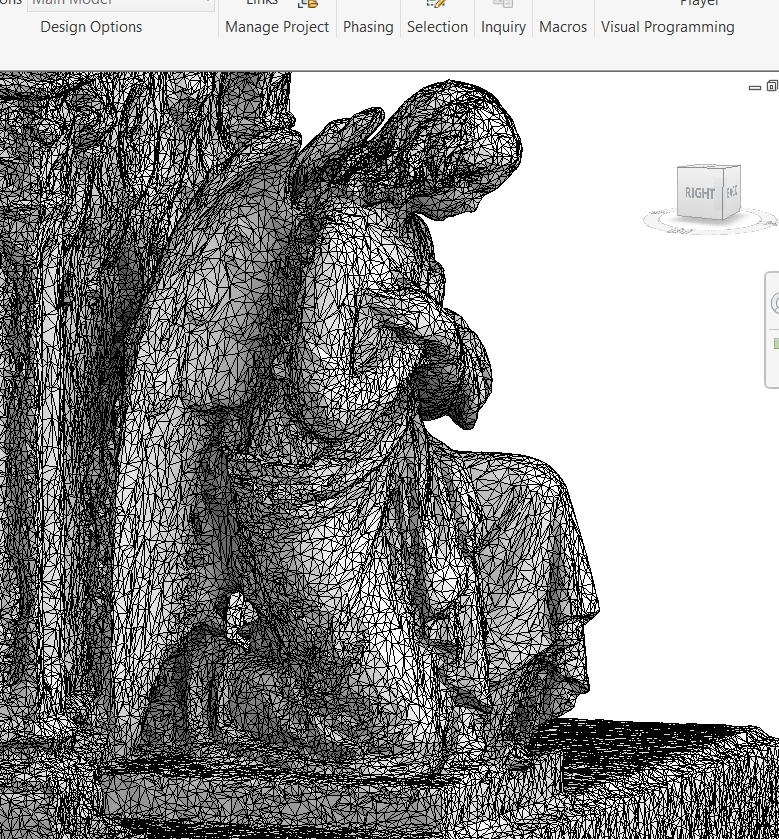
Preparing Meshes for Import to Revit as DirectShape
This article answers the most common problem customers have when using my Mesh Import from OBJ files app. That app makes Revit elements that are called DirectShape from meshes. A DirectShape may only be made via Revit’s API or other…


