
A couple of weeks ago, there was a Google Project Tango hackathon in Boston. Since we all got to use a Tango device, I thought I’d look into how it could be used with architecture software.
There was a free app called Project Tango Constructor which would let one shoot a 3D mesh with a range of 2 to 3 meters from the camera. Google Project Tango and Constructor are no longer available.
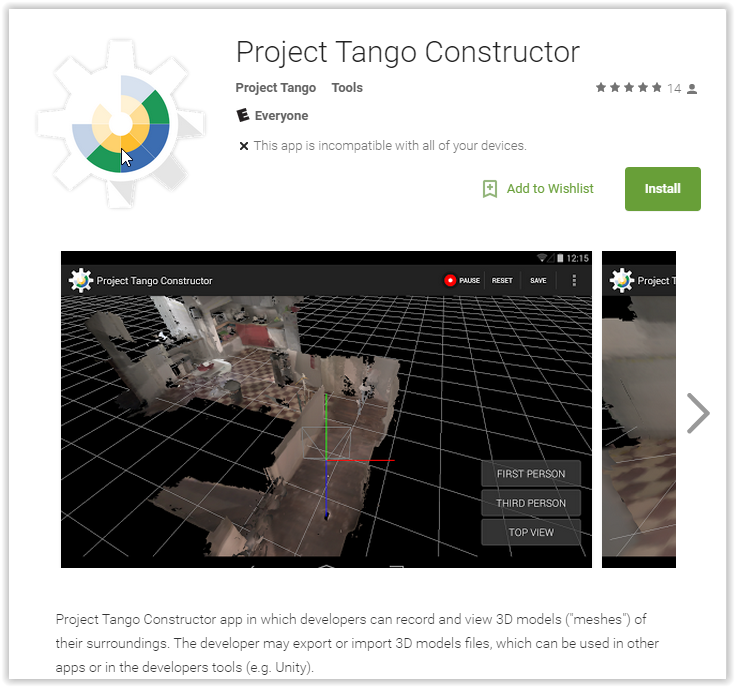
It could capture a mesh, but it was very inaccurate. Sweeping a few meters down a room then going back could make an error of 30cm or more. Shiny black and metal surfaces did not really scan.
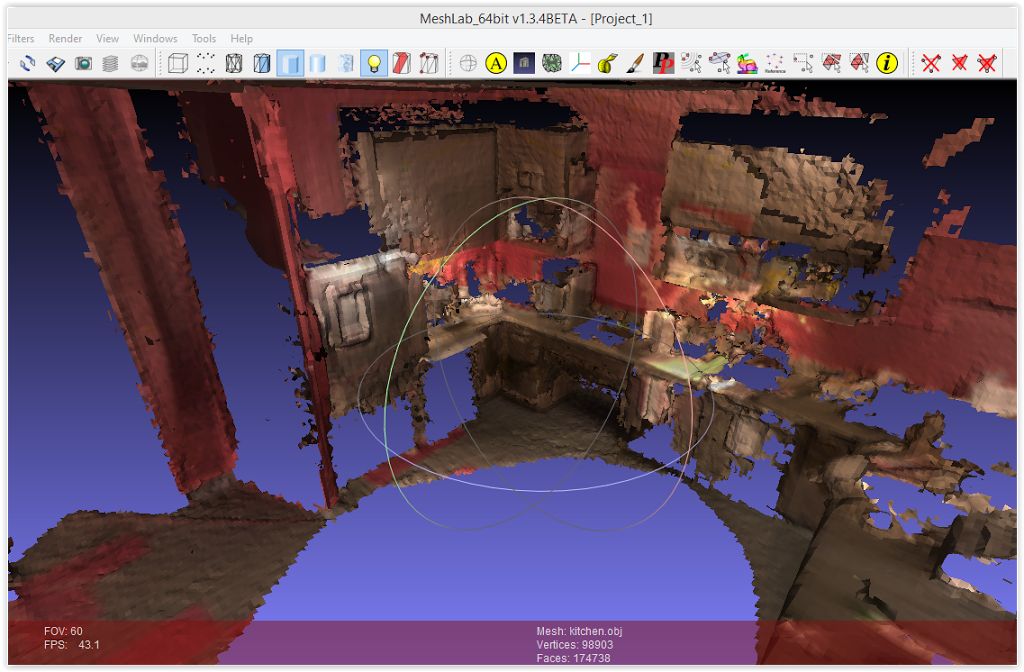
I got the scan as OBJ onto a PC and looked at it in MeshLab or Autodesk Memento. Memento became ReMake, then that was killed. Current Autodesk scan/mesh product is ReCap.
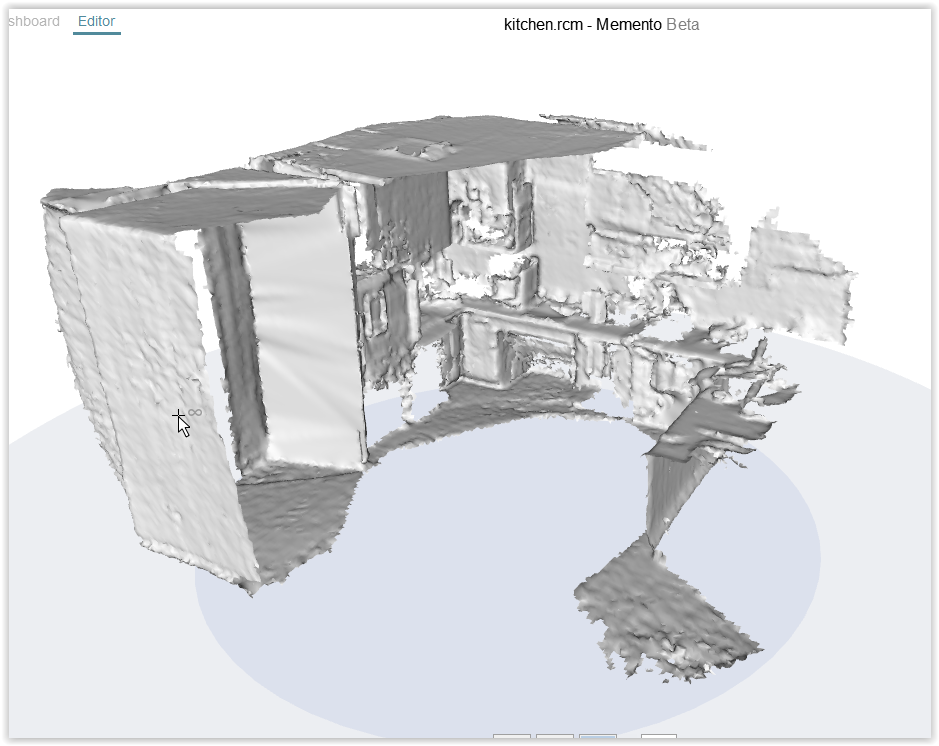
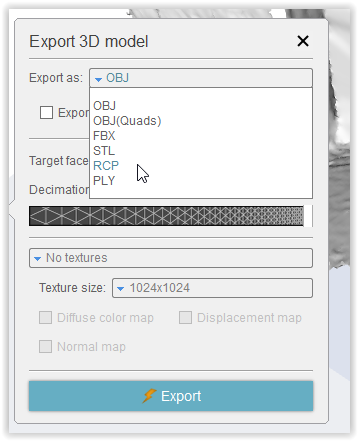
From Memento, it can be cleaned up and exported as RCP point cloud format, no colors, which then can be brought into Revit or AutoCAD.
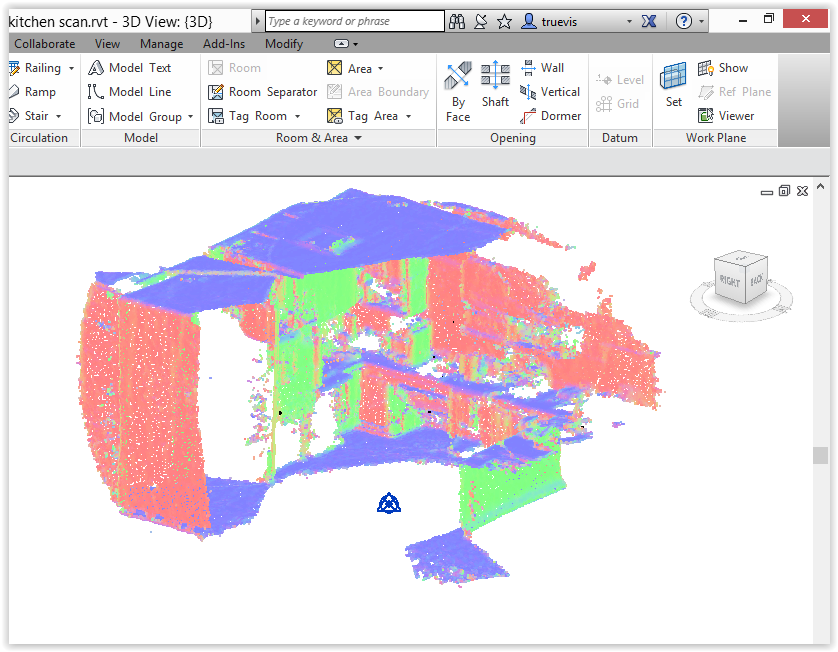
It’s okay for what it is, but do not depend on any accuracy. Something more specialized for the job (but 10 times more expensive) is the DotProduct handheld scanner.
Going directly from the OBJ mesh to Revit is possible with my Mesh Import app, after cleaning with Memento.
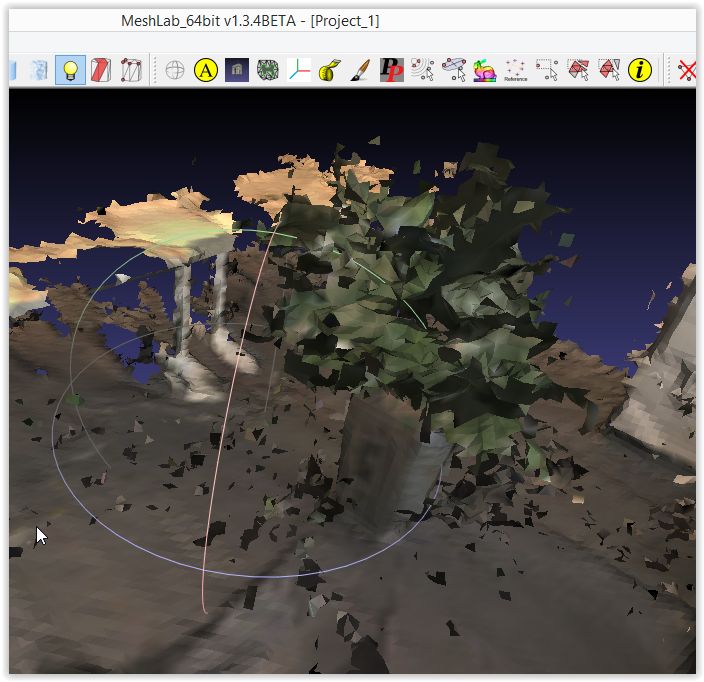
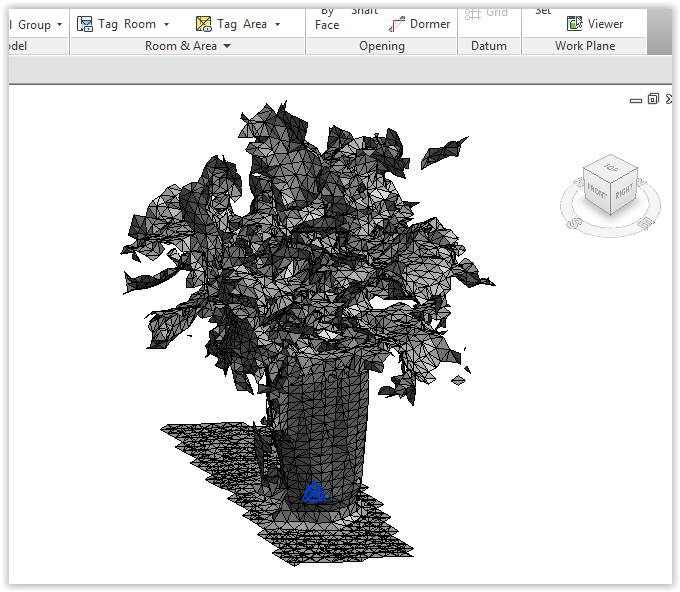
At $512, a Project Tango Tablet Development Kit had some possible uses in the architecture or MEP field. More accurate scanning software could have been written for it.