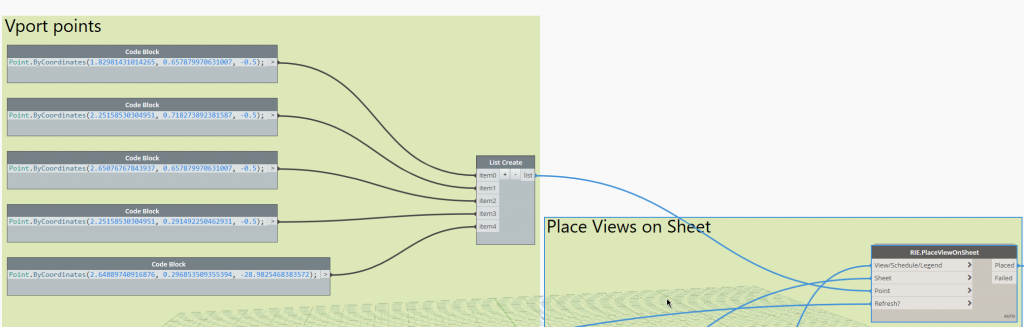
Here’s a trick using Revit Lookup to find the coordinates of existing Views so you can use those points for placing Views on an other Sheet.
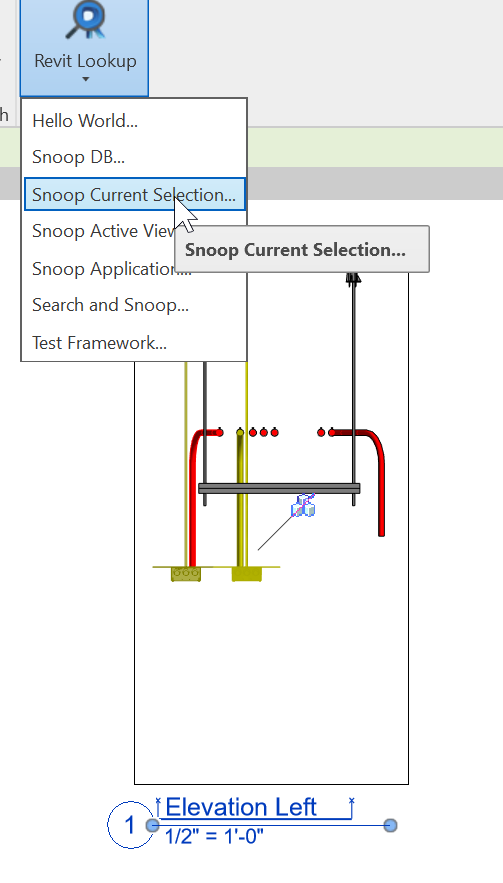
Revit Lookup – Snoop Current Selection:
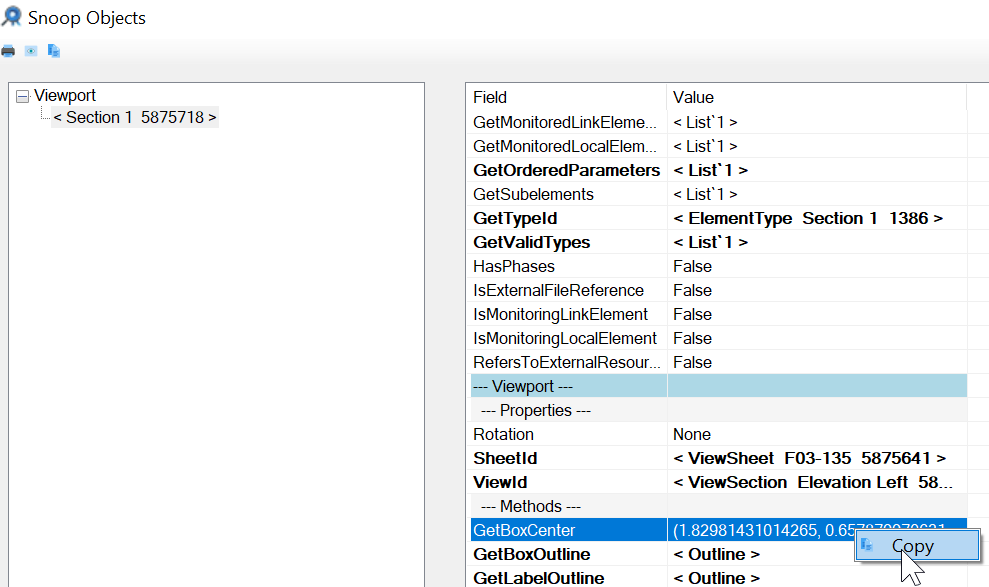
Copy the GetBoxCenter to clipboard
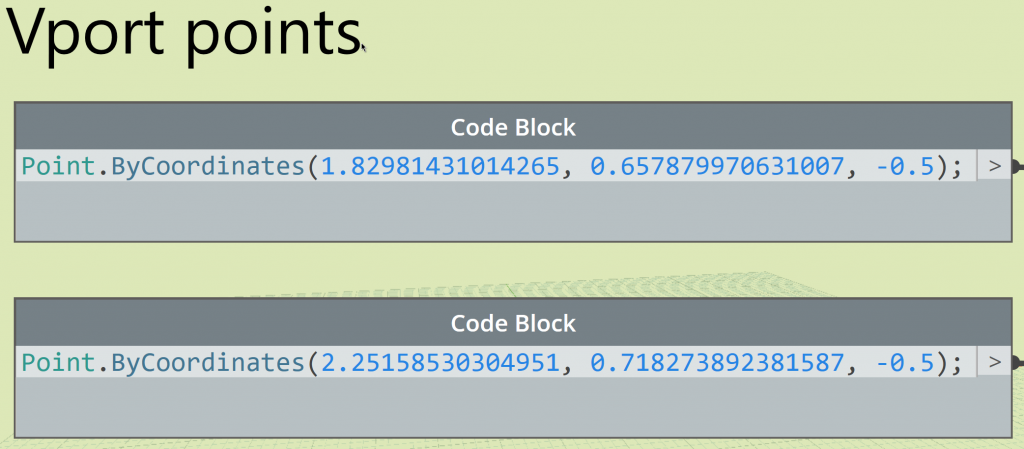
Paste into a code block like:
Point.ByCoordinates(1.82981431014265, 0.657879970631007, -0.5);
Make your list of Views the same count as the list of points.